

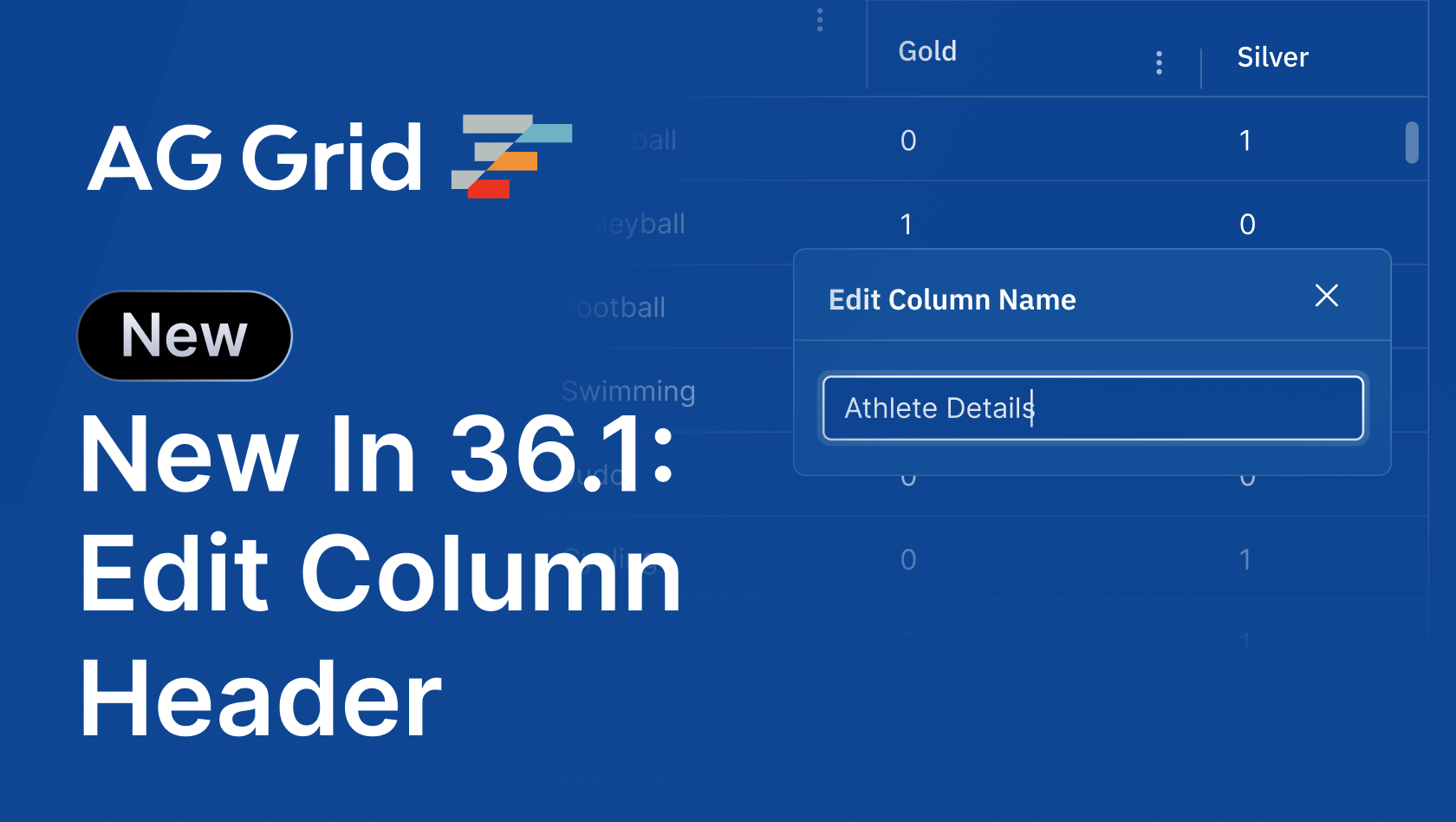
AG Grid 36.1 continues the work we started in version 36: giving end users more control over the grid, and giving developers - and now their AI coding agents - the tools to build with it correctly.
Read on for demos, code snippets, and full details on what's new.
TL;DR
- Editable Column Header Names - Let users rename columns and column groups directly from the UI. Edited names persist as part of Grid State, and developers control exactly which columns can be renamed.
- Custom Menu Items in the Columns Tool Panel - Add your own items to the Columns Tool Panel context menu, or change which built-in items appear, using the same API that customises the column menu.
- AI Coding Skill: ag-dev - A development skill for coding agents like Claude and Codex, with rules to avoid common LLM pitfalls, debugging guidance, and access to version-matched documentation.
- Documentation in Markdown Format - Every documentation page is now available as Markdown, giving AI agents (and humans) a clean, token-efficient way to read our docs.
- Quality Improvements - A range of bug fixes and refinements across the grid.
Editable Column Header Names
Column headers have always been set by developers through column definitions - which works until a user wants to call a column something else. "Revenue (USD)" instead of "revenue_usd", or a shorter name to fit more columns on screen. Until now, that meant a feature request, a custom header component, or both.
With the new editable header name feature, users can rename any column or column group you've marked as editable directly from the UI via the Edit Column Name item in the column menu, or by right-clicking the column in the Columns Tool Panel:
Edited names are persisted as part of Column State and Grid State, so they survive save and restore alongside the rest of a user's grid configuration - and an edited name takes priority over any headerValueGetter on the column.
To make a column (or column group) renamable, set headerNameEditable on its definition. The columnHeaderEdit grid option controls how the editor behaves: in the default live mode, the header updates as the user types; in deferred mode, the editor shows Apply and Cancel buttons, and nothing changes until the edit is committed:
const columnDefs = [
  { field: 'revenue', headerNameEditable: true },
];

<AgGridReact
  columnDefs={columnDefs}
  columnHeaderEdit={{ applyMode: 'deferred' }}
/>
Editable header names are an AG Grid Enterprise feature. Visit the editable header name docs for more information.
Custom Menu Items in the Columns Tool Panel
Right-clicking a column in the Columns Tool Panel opens a context menu with items for grouping, aggregating and pivoting. Previously, this menu was fixed - if you wanted to offer your own actions where users manage their columns, you had to build them elsewhere.
In 36.1, the Columns Tool Panel context menu is fully customisable. You can add your own items, remove built-in ones, or restrict the menu to a specific set of actions per column:
Customisation uses the same API as the column menu: colDef.columnMenuItems for per-column control, or the getColumnMenuItems() grid option callback for grid-wide logic. The callback receives a source parameter - 'columnsToolPanel' when triggered from the tool panel - so a single callback can tailor the menu for the column menu, the Columns Tool Panel, and the Column Chooser independently:
const gridOptions = {
  getColumnMenuItems: (params) => {
    return [
      ...params.defaultItems,
      'separator',
      { name: 'Highlight Column', action: () => highlightColumn(params.column), },
    ];
    return params.defaultItems;
  },
}
Visit the Columns Tool Panel docs for more information.
AI Coding Skill: ag-dev
LLMs are trained on years of AG Grid code - including plenty of deprecated APIs, removed package names, and patterns from versions long past. The result is that coding agents can confidently write grid code that no longer works, or miss newer, better APIs entirely.
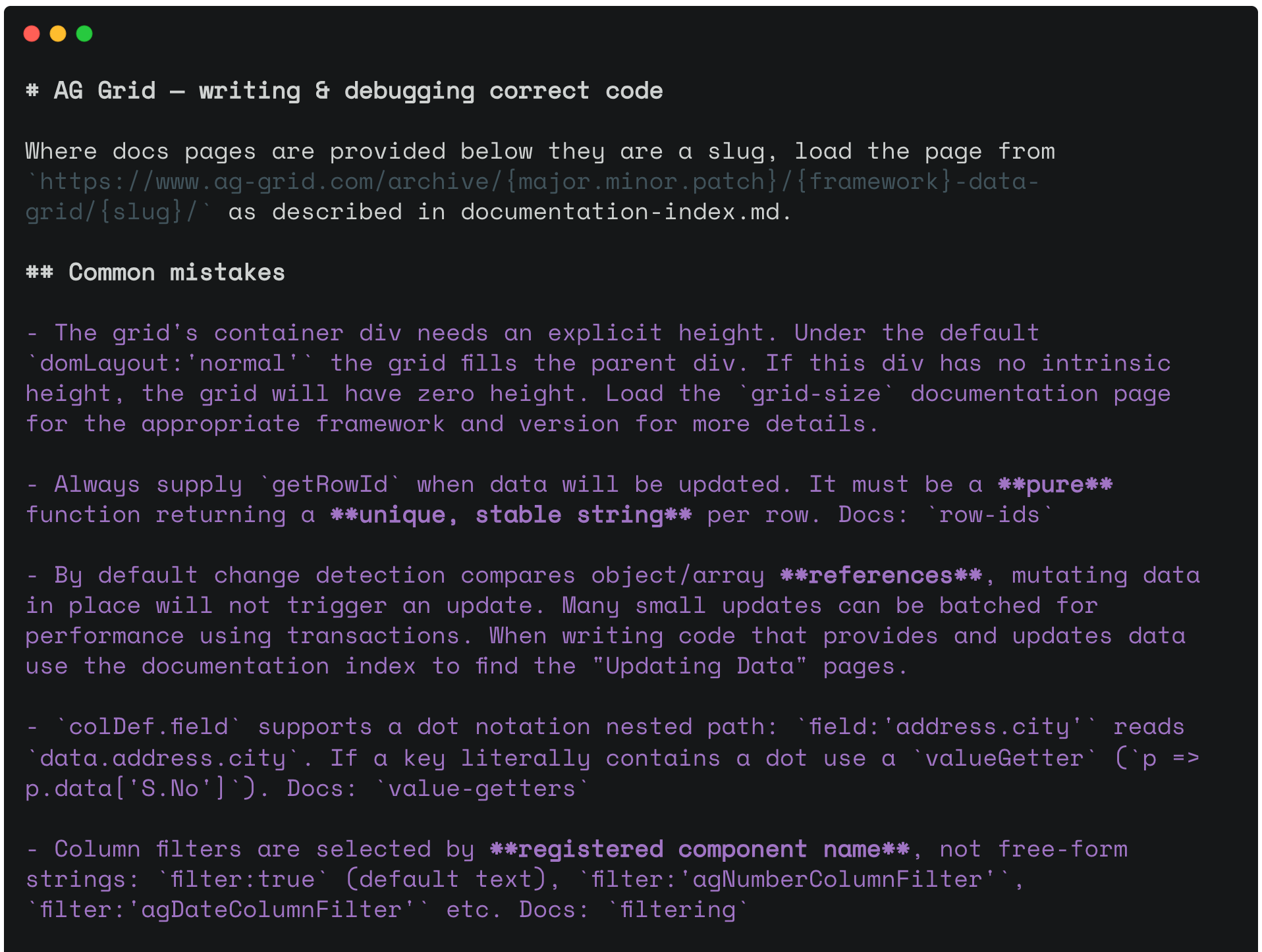
ag-dev is our answer: a skill that teaches coding agents such as Claude and Codex to write correct AG Grid, AG Charts, and AG Studio code from our official guidance. It includes rules to avoid common LLM pitfalls (like forgetting the container height, or mutating row data in place without triggering change detection), debugging guidance, and - crucially - instructions for accessing documentation matched to the exact version of the library installed in your project:
One skills package covers AG Grid, AG Charts and AG Studio. To install it, use the skills CLI:
npx skills add ag-grid/skillsCoding harnesses like Claude Code and Codex will often use the skill automatically when planning or writing code that touches our libraries - simply installing it will improve your results. Because automatic triggering is best-effort, we recommend invoking it explicitly for complicated tasks:
Add a custom context-menu item that copies the names of selected data columns (use the ag-dev skill)ag-dev ships alongside ag-update, the version migration skill we released with AG Grid 36, which reads our migration documentation, checks it against your repository, and produces a reviewable plan of the changes needed to move to a new version.
Visit the AI skills docs for more information.
Documentation in Markdown Format
Every page of the AG Grid documentation is now available in Markdown format. HTML documentation is built for humans; AI agents reading a docs page get navigation, styling and scripts alongside the content they actually need, wasting context and burying the answer.
Markdown pages give agents the same version-specific content as our HTML docs in a clean, token-efficient format - and they're what the ag-dev skill and the AG Grid MCP Server consume when looking up version-matched guidance for your project. If you'd rather point your agent directly at a docs page, now you can, without it wading through a rendered site to find the answer.
Quality Improvements
Alongside the new features, this release includes a range of quality improvements across many grid features, including cell editing, filtering, row grouping and the server-side row model.
See the Changelog for the full list of changes in this release.
Summary
AG Grid 36.1 continues to hand more control to end users while making the grid easier to build with - whether the one writing the code is you or your coding agent. This release:
- Introduces editable column header names, persisted as part of Grid State
- Adds custom menu items to the Columns Tool Panel context menu
- Releases
ag-dev, an AI coding skill for agents like Claude and Codex - Makes every documentation page available in Markdown format
- Includes a range of quality improvements across the grid
As always, we welcome feedback. Enterprise customers can contact us via Zendesk; alternatively, please submit a GitHub issue or complete our contact form.
Next steps
New to AG Grid? Get started in minutes, for free, with your favourite framework:




Considering AG Grid Enterprise? Request a free 30-day trial licence to test your application in production and get direct access to our support team.
Happy coding!