

AG Grid 36 is the culmination of six months of dedicated work, designed to give end users more control and make developers' lives easier.
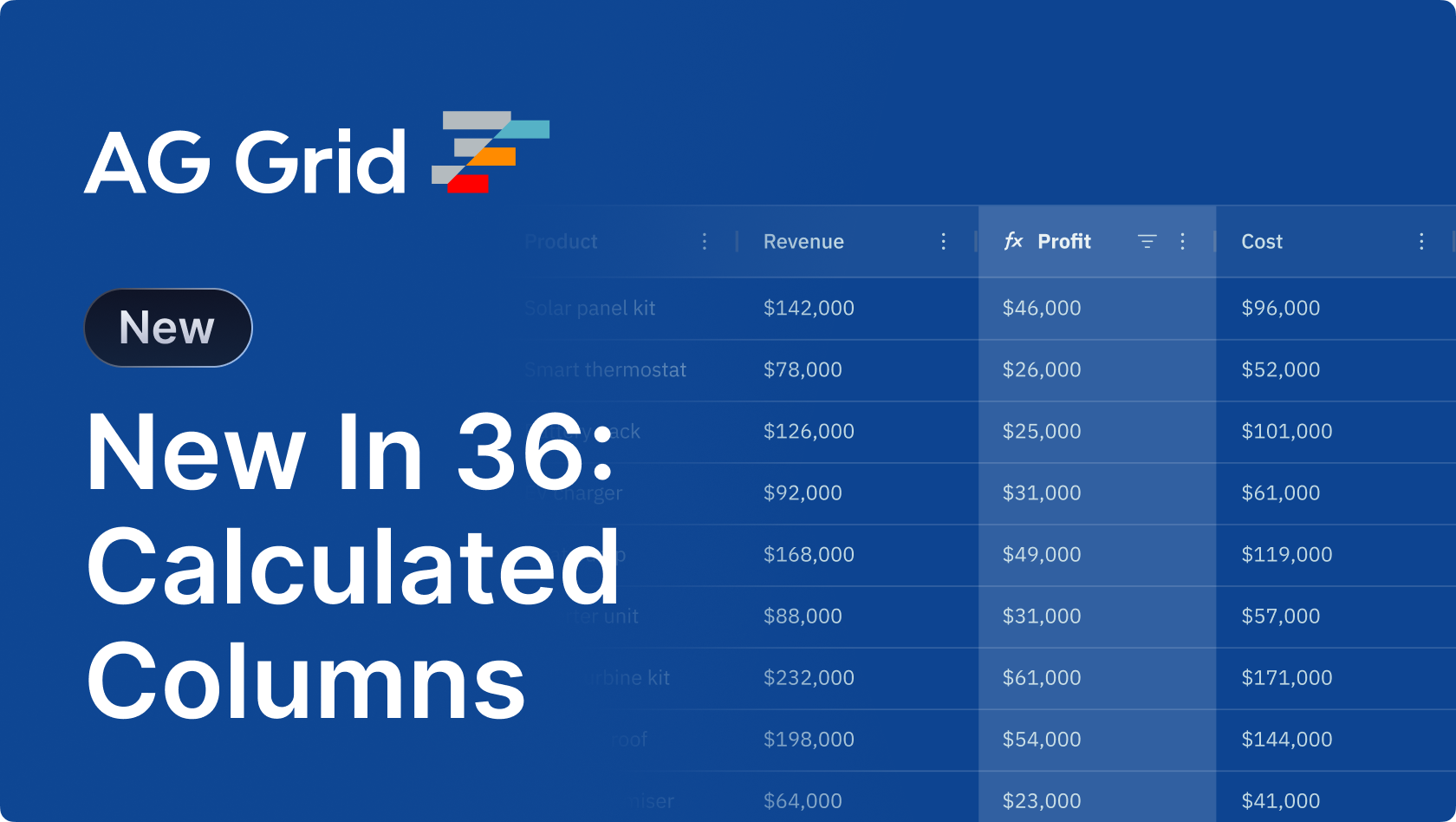
Our flagship feature in this release is the introduction of calculated columns: a simple way for users to create new columns on demand using formulas. Want to calculate the margin on your sales across all products? Use the built-in UI to create a new column that shows the difference between your revenue & cost. These columns also work just like any other column, so every feature, from filtering to grouping, works exactly as you expect it to.
This release also introduces other changes designed to give users more flexibility and remove the onus from developers, including 'show value as', which allows users to display aggregations relative to other totals, and automatic column generation, which makes it much easier to work with dynamic or unknown data sets - just supply your data and the grid will handle the rest.
Read on for demos, code snippets, and full details on what's new.
TL;DR
- Calculated Columns - Define new columns using formula expressions, without touching your data source. Developers can configure them up front, and end-users can add their own directly through a built-in UI.
- Show Values As - Put individual values in context without touching your data. Show any cell as a percentage of its column total, row total, grand total, or parent group total.
- Automatic Column Generation - Drop in any dataset and the grid builds its own column definitions, ideal for exploratory views, dynamic schemas, and rapid prototyping.
- Accessibility Improvements - Screen readers now correctly announce the context of pinned columns as users navigate the grid.
- Theming Improvements - Performance improvements, better responsive overflow handling, and further customisability enhancements.
Calculated Columns
With the new calculated columns feature, you can now define columns with formulas that can contain functions, operators and references to other columns, without modifying the underlying data source.
Developers can configure calculated columns up front as part of the grid setup, while end-users can add their own directly through a built-in UI:
Calculated columns give users even more flexibility to view and interact with the data in the way they want to - even if that data isn't immediately available in the default configuration.
They're also full columns - Row Grouping, Tree Data, Sorting and Filtering, Text Formatting and Cell Components all work exactly as they would on any other column.
To enable user-defined calculated columns, set gridOptions.calculatedColumns to true. To pre-define them, enable the feature and define a calculatedExpression:
const columnDefs = [
  { field: 'revenue' },
  { field: 'cost' },
  {
    colId: 'profit',
    calculatedExpression: '[revenue] - [cost]',
    cellDataType: 'number',
    sortable: true,
    filter: true,
  },
];

<AgGridReact
  calculatedColumns={true}
  columnDefs={columnDefs}
/>
Visit the calculated columns docs for more information.
Show values as
AG Grid supports multiple ways to aggregate data across groups, rows and columns. The new show values as feature lets you define how those aggregated values appear - as a percentage of a total, or as a difference from it - without touching your data or writing any additional logic. You can choose to display values relative to a column total, row total, grand total, or parent group total.
These modes can be predefined by developers or adjusted by end users directly in the grid:
This makes it effortless to build summary views, contribution analyses, and subtotal breakdowns directly in the grid, without pre-processing data or maintaining separate calculations.
Show values as works with the Client-Side Row Model - to enable it, set the enableShowValuesAs column property on the relevant columns:
const gridOptions = {
  columnDefs: [
      // Enable 'Show value as' option on column menu
      { field: 'label', enableShowValuesAs: true },
  ],
  // other grid options ...
}
Visit the show values as docs for more information.
Automatic column generation
Automatic column generation allows the grid to build its own column definitions from whatever dataset you provide. Drop in any data and the grid infers the columns for you, removing the need to hand-author column configurations.
This is particularly useful in two situations: working with dynamic or unknown data shapes, where you'd otherwise need to parse the data yourself; and quickly spinning up new integrations or prototypes, so you can get straight to implementing business logic.
To enable automatic column generation, set autoGenerateColumnDefs to true. The grid will scan rowData for the first non-null row, and create a column for each of its keys:
<AgGridReact
  autoGenerateColumnDefs={true}
  rowData={rowData}
/>
Visit the automatic column generation docs for more information.
Accessibility & theming improvements
This release brings a meaningful step forward for accessibility. Screen readers now correctly announce the context of pinned columns as users navigate the grid, a significant improvement for WCAG compliance and for making data-dense applications usable for everyone.
Alongside accessibility, this release also includes a range of theming improvements:
- Performance improvements in theming.
- Better responsive overflow handling.
- A range of further customisability enhancements.
Together, these changes improve usability, inclusivity, and visual flexibility across a wide range of grid configurations.
Summary
AG Grid 36.0 focuses on giving developers and end-users more power to derive and contextualise data directly in the grid. This release:
- Introduces calculated columns defined through formula expressions, with a built-in UI for end-users
- Adds show values as for displaying values relative to column, row, grand, or group totals
- Enables automatic column generation from any dataset
- Improves accessibility with correct screen reader announcements for pinned columns
- Includes a range of theming performance and customisability improvements
See the Release Notes for details or the Changelog for a full list of changes.
As always, we welcome feedback. Enterprise customers can contact us via Zendesk; alternatively, please submit a GitHub issue or complete our contact form.
Next steps
New to AG Grid? Get started in minutes, for free, with your favourite framework:




Considering AG Grid Enterprise? Request a free 30-day trial licence to test your application in production and get direct access to our support team.
Happy coding!