

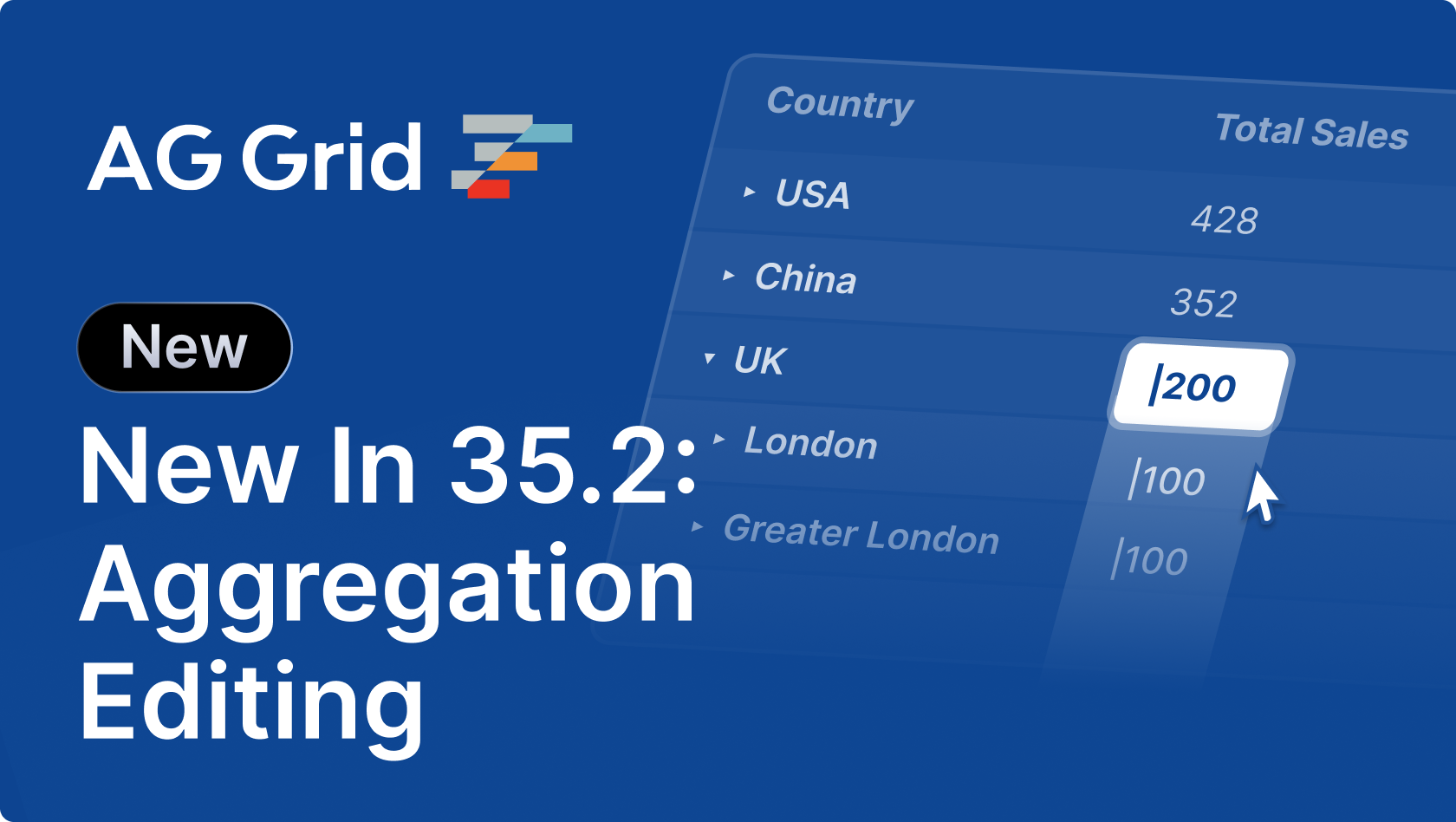
AG Grid 35.2 introduces aggregation editing for grouped data, a compact row grouping column, deferred updates in the columns tool panel, enhancements to the rich select editor, and a range of accessibility improvements:
Key features
- Aggregation Editing - Edit aggregated values directly and propagate changes to underlying row data.
- Compact Group Column - A more space-efficient row grouping display that reveals group columns progressively.
- Deferred Updates in Columns Tool Panel - Batch column changes and apply them in a single update for improved performance and UX.
- Rich Select Editor Improvements - Async loading, paging, and filtering enhancements for large datasets.
- Accessibility Improvements - Improved keyboard navigation, ARIA support, and screen reader compatibility across grid features.
Aggregation editing
Aggregation editing enables users to update aggregated values directly within grouped rows. By default, when an aggregated cell is edited, AG Grid distributes the change across the underlying leaf nodes according to the aggregation function; though this can be disabled or customised:
This is particularly useful in workflows where users need to adjust totals without manually editing each row.
The simplest way to make group row totals editable is to set groupRowEditable to true:
const gridOptions: GridOptions = {
  columnDefs: [
    {
      field: 'sales',
      aggFunc: 'sum',
      editable: true,
      // Enable editing of grouped rows
      groupRowEditable: true,
    },
  ],
  /* Other grid options ... */
}
Visit the aggregation editing docs for more information.
Compact group column
The compact group column improves horizontal space usage by hiding group columns until they are expanded. This allows deeply grouped datasets to remain readable without consuming excessive column space.
When enabled, only the necessary grouping context is shown initially, and additional group columns are revealed progressively as users expand groups.
This behaviour can be enabled by setting groupHideColumnsUntilExpanded to true:
const gridOptions: GridOptions = {
    groupDisplayType: 'multipleColumns',
    groupHideColumnsUntilExpanded: true,

    /* Other grid options... */
}
Visit the row grouping docs for more information.
Deferred updates in the columns tool panel
Deferred updates allow users to make multiple column configuration changes (such as visibility, sorting, grouping, pivoting, aggregation) and apply them in a single batch. This avoids unnecessary intermediate requests for data and improves the UX in complex grids using server-side data.
This is particularly beneficial when working with large column sets or when coordinating multiple changes.
To enable deferred updates, include the 'apply' button in the toolPanelParams.buttons configuration:
const sideBar: SideBarDef = {
  toolPanels: [
    {
      // Providing 'apply' button enables deferred updates
      toolPanelParams: {
        buttons: ['cancel', 'apply'],
      },
      /* Other options... */
    },
  ],
};

<AgGridReact sideBar={sideBar} />
Visit the columns tool panel docs for more information.
Rich select editor improvements
The rich select editor now includes support for async data loading with paging and server-side filtering. This allows filtering of large datasets without requiring all values to be loaded upfront:
Users can search and filter values dynamically while the editor fetches results incrementally.
An example implementation may look something like:
const columnDefs: ColDef[] = [
  {
    field: "language",
    editable: true,
    cellEditor: "agRichSelectCellEditor",
    cellEditorParams: {
      allowTyping: true,
      filterList: true,
      // Enable async filtering
      filterListAsync: true,
      // Configure loading of async filtered values
      valuesPage: getFilteredValuePageFromServer,
      valuesPageInitialStartRow: (value: string | null | undefined) =>
        getInitialStartRowForValue(value),
      valuesPageSize: 80,
      valuesPageLoadThreshold: 8,
    } as IRichCellEditorParams,
  },
];
Visit the rich select editor docs for more information.
Accessibility improvements
This release includes a range of accessibility enhancements across the grid, improving usability for keyboard and assistive technology users.
Improvements include:
- Row number column cells can now be focused and can be used to select all cells in a row using the keyboard.
- The Sparkline announcement includes the number of values, min/max, and the first and last values.
These updates help ensure AG Grid can be used effectively in more environments and meet accessibility standards.
Visit the accessibility docs for more information.
Summary
AG Grid 35.2 focuses on improving editing workflows, performance, and usability in complex data scenarios. This release:
- Introduces aggregation editing for direct interaction with grouped data
- Adds a compact group column to optimise horizontal space usage
- Enables deferred updates in the columns tool panel for better performance
- Enhances the rich select editor with async loading and filtering
- Improves accessibility across the grid
See the Release Notes for details or the Changelog for a full list of changes.
As always, we welcome feedback. Enterprise customers can contact us via Zendesk; alternatively, please submit a GitHub issue or complete our contact form.
Next steps
New to AG Grid? Get started in minutes, for free, with your favourite framework:




Considering AG Grid Enterprise? Request a free 30-day trial licence to test your application in production and get direct access to our support team.
Happy coding!