

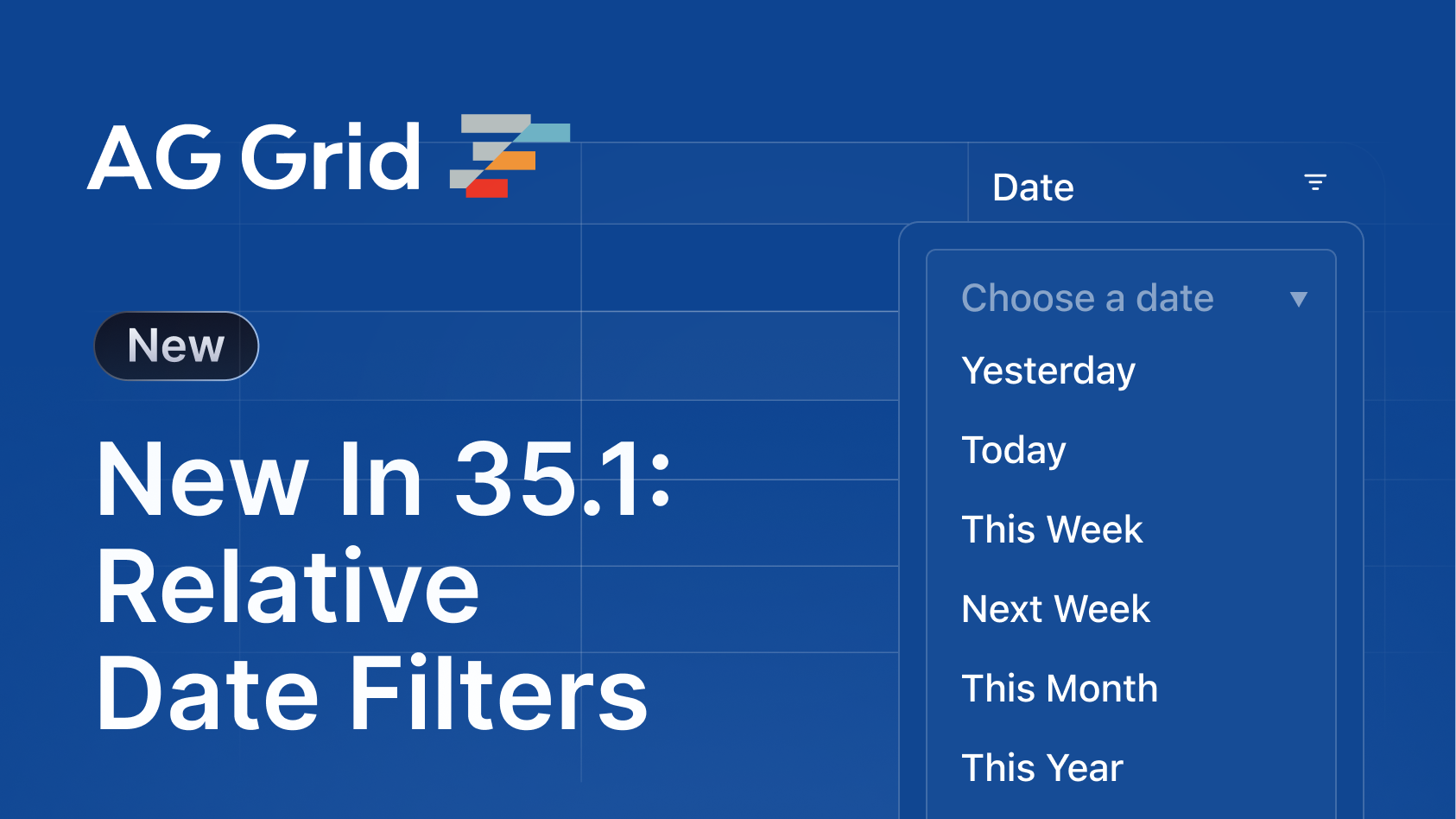
AG Grid 35.1 includes named range date filtering, a powerful formula editor, native support for large integers, and new controls for managing themes and protecting exported Excel data:
Key features
- Formula Editor - Auto-complete for formula functions, click to select cells and ranges, and drag to fill capabilities.
- Named Date Range Filters - Filter by named and relative date ranges to make common filtering tasks easier, e.g. filter by "yesterday" or "last month".
-
BigInt Support - A new
BigIntcell data type that enables exact, precision-safe handling of large integers across core grid features. - Theme Builder Imports - Import, preview and edit existing themes within our Theme Builder.
- Excel Export Data Protection - protect the exported worksheet so that users can only edit specific cells.
Formula editor
With the new formula editor, users can now create formulas more efficiently and accurately with support for auto-complete, cell & range selection, and drag to fill functionality:
The Formula Cell Editor is the default editor for columns with allowFormula: true - You can override the default functionality by supplying your own Cell Renderer.
Visit the formula editor docs for more information.
Named date range filters
With named date range filters, users can now filter their data with more intuitive, pre-defined date ranges. For example, instead of manually filtering dates between 01/01/2026 and 31/01/2026, users can simply select "last month":
We provide 22 pre-defined filters, and developers can choose which ones to expose to users by adding them to the filterOptions array in the date filter configuration:
// Enable built-in date ranges
const columnDefs: ColDef[] = [
  {
    filter: 'agDateColumnFilter',
    filterParams: {
      // Enable built-in named & relative date ranges
      filterOptions: [
        'empty', // optional: show 'Choose one' option first
        'yesterday',
        'today',
        'tomorrow',
        'last7Days',
        'lastWeek',
        'thisWeek',
        'nextWeek',
        'last30Days',
        'lastMonth',
        // ... All other preset ranges
      ],
      // Other filter settings...
    },
  },
];
Visit the Built-in Named & Relative Date Ranges docs for more information.
BigInt support
AG Grid 35.1 adds a new BigInt cell data type, which is a numeric type used to represent integers larger than the fixed-size limits of standard integer types. BigInts enable more efficient and accurate calculations, filtering, and sorting when working with large numbers, e.g, values greater than 2⁵³−1.
The BigInt cell data type will be inferred automatically based on your data. You can also manually define the cell data type on specific columns if needed:
const gridOptions = {
    columnDefs: [
        {
            field: 'transactions',
            // enables cell data type `bigint`
            cellDataType: 'bigint'
        }
    ],

    // other grid options ...
}
The BigInt data type works with the Text Cell Editor, Set Filter and Absolute Sorting features.
Visit the BigInt docs for more information.
Theme builder imports
Our Theme Builder, a UI for creating and customising themes, now supports theme imports, allowing you to visualise, test, and edit your existing themes within the Theme Builder:
Visit the Theme Builder to try it out.
Excel export data protection
The new data protection capability in Excel exports allows developers to protect the exported worksheet, to prevent users from editing specific cells.
Worksheet protection is enabled by setting protectSheet in the Excel Export Params, which will lock editing of all cells:
const excelExportParams = useMemo(() => {
  return {
    protectSheet: true,
  };
}, []);

<AgGridReact excelExportParams={excelExportParams} />;
You can also override the default worksheet protection options by supplying a config object to protectSheet:
const excelExportParams = useMemo(() => {
  return {
    protectSheet: true,
    password: "secret",
    autoFilter: true,
    formatCells: true,
    deleteRows: true,
  };
}, []);
Visit the Excel Export - Data Protection docs for more information on worksheet protection defaults and unlocking specific cells.
Summary
AG Grid 35.1 focuses on improving everyday grid workflows by reducing configuration overhead, increasing precision, and expanding control over presentation and output. This release:
- Introduces a new Formula Editor to streamline formula creation and editing.
- Exposes 22 pre-defined named date ranges to simplify common date filtering scenarios.
- Adds a BigInt cell data type for safe and accurate handling of large integers.
- Enables importing existing themes into the Theme Builder for faster iteration and testing.
- Adds worksheet protection to Excel exports for greater control over shared data.
As always, we welcome feedback. Enterprise customers can contact us via Zendesk; Alternatively, please submit a GitHub issue or complete our contact form.
Next steps
New to AG Grid? Get started in minutes, for free, with your favourite framework:




Considering AG Grid Enterprise? Request a free 30-day trial licence to test your application in production and get direct access to our support team.
Happy coding!