

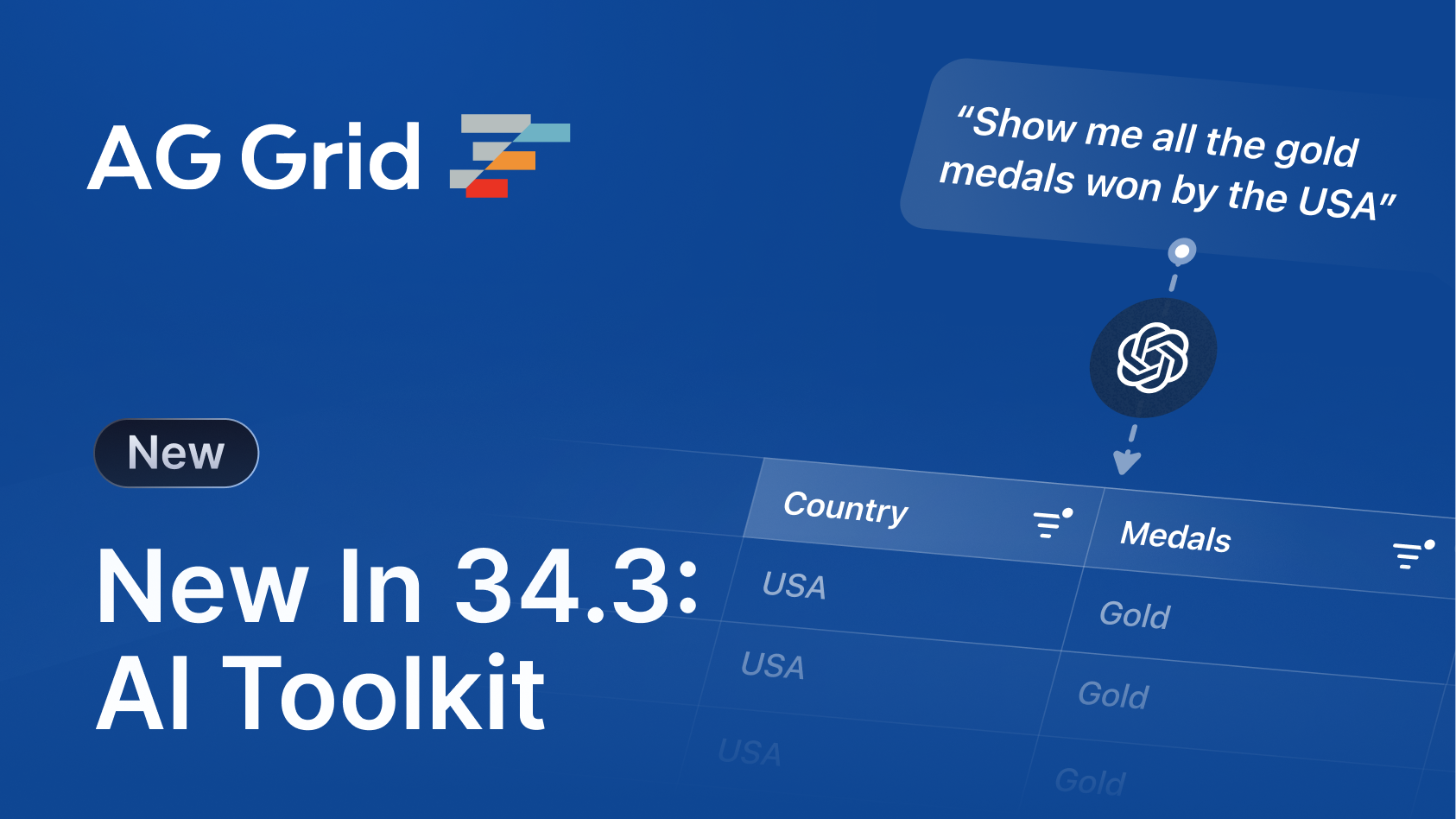
AG Grid 34.3 introduces powerful new AI features, enhancements to column auto-sizing and pivoting, and official support for React 19.2:
- AI Toolkit - Generate structured outputs to use with LLMs, allowing end users to manipulate grid state with natural language.
- MCP Server - More efficiently and accurately implement, maintain and upgrade AG Grid with your favourite LLM.
- Scaled Column Auto-Sizing - Automatically scale column widths to fit available space while maintaining relative sizing.
- Date and Time Pivoting - Pivot data by time-based fields (e.g. day, week, month, year) for enhanced temporal analysis.
- React 19.2 Support - Official support for React 19.2 with improved compatibility and performance.
AI Toolkit
Our new AI Toolkit allows you to easily integrate AG Grid with your own LLM, enabling end users to query and manipulate grid state via natural language.
Structured Outputs is an LLM feature that ensures model responses adhere to a supplied JSON Schema. Structured Outputs are supported by many LLMs, including ChatGPT and Gemini.
The AI Toolkit provides a getStructuredSchema API that generates a structured schema, based on Grid State. These outputs can be passed to an LLM, which can then generate valid responses that can be passed directly to the setState API method. This ensures reliable, schema-aligned instructions for updating or manipulating the grid based on natural language input:
// Get Structured Schema representation of Grid State
const gridSchema = gridApi.getStructuredSchema();

// Send User Request, Current State & Schema to LLM
const response = await callLLM(userRequest, gridApi.getState(), gridSchema)

// Update State with LLM Response
gridApi.setState(response.newGridState);
This feature allows users to more effictively and efficiently interrogate their data by performing complex state configurations with natural language.
MCP Server
Our Model Context Protocol (MCP) server provides AI Agents with framework and version-specific knowledge to help developers integrate and maintain their AG Grid code.
To install AG MCP in your LLM, use the npx ag-mcp command during the MCP install process, as defined by your LLM; for example, to add ag-mcp to Claude Code, run the following command:
claude mcp add ag-mcp npx ag-mcpOnce the MCP is installed, your LLM will automatically leverage the AG MCP Server to access additional context, based on your prompt.
Whilst this feature is primarily aimed at developers, users will benefit from developers being able to more quickly adopt new AG Grid features and perform version upgrades.
Scaled Column Auto Sizing
AG Grid 34.3 introduces a new column auto-sizing mode that auto-sizes columns first, and if there's leftover space, it scales them proportionally to fill the grid width. This ensures columns fit neatly inside the grid width and no column is significantly wider than its cell values.
This new column auto-sizing mode can be activated using the scaleUpToFitGridWidth option to the autoSizeStrategy params or the autoSizeColumns API method:
gridRef.current!.api.autoSizeColumns({ skipHeader, scaleUpToFitGridWidth });
This feature is particularly useful when columns are generated dynamically from a data set and developers can't know ahead of time how large the columns should be:
Date & Time Pivoting
Pivoting now supports Date & Time values, and the grid can optionally generate pivot group columns based on components of the date/time.
To enable this for a particular column, use the groupHierarchy property of the Column Definition:
const [columnDefs, setColumnDefs] = useState([
    {
        field: 'date',
        pivot: true,
        groupHierarchy: ['year', 'month']
    },
    // ...other column definitions
]);

<AgGridReact columnDefs={columnDefs} />
This enables richer temporal analysis directly in the grid:
React 19.2 Support
AG Grid 34.3 comes with official support for React 19.2, just three weeks after its release. All of our docs examples have been updated to and tested against React 19.2, so you can start taking advantage of all the latest React features, today.
Summary
AG Grid 34.3 introduces powerful new AI features, enhancements to column auto-sizing and pivoting, and official support for React 19.2.
As always, we're here to help you upgrade, and we're keen to hear your feedback. Enterprise customers can contact us via Zendesk; Alternatively, please submit a GitHub issue.
Next Steps
New to AG Grid? Get started in minutes, for free:




Considering AG Grid Enterprise? Request a free two-week trial licence to test your application in production and get direct access to our support team.
Happy coding!